
Beginner
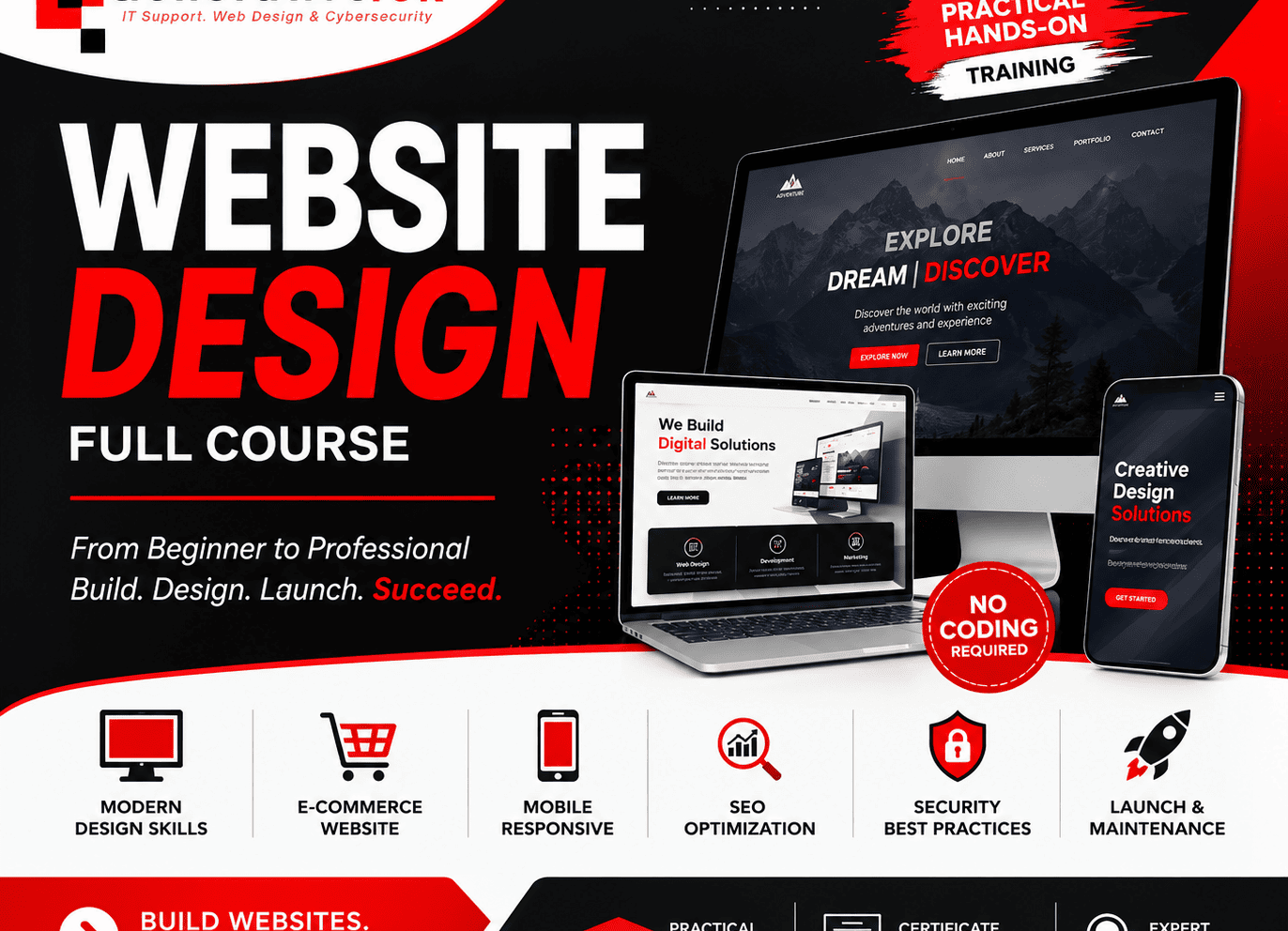
Website Design Full Course for Non Techies

- 20 Sections
- 37 Lessons
Course Curriculum
Module 1: Introduction to Website Design
2 Lessons
Module 2: Domains, Hosting & cPanel
2 Lessons
Module 3: Installing WordPress
2 Lessons
Module 4: Website Planning & Content Strategy
2 Lessons
Module 5: WordPress Content Management
2 Lessons
Module 6: WordPress Themes & Professional Design
2 Lessons
Module 7: Elementor Professional Website Builder
2 Lessons
Module 8: AI-Powered Content Creation for Websites
2 Lessons
Module 9: WordPress Plugins & Website Extensions
2 Lessons
Module 10: WordPress Website Security & Protection
2 Lessons
Module 11: WooCommerce E-Commerce Website Development
2 Lessons
Module 12: Website Speed & Performance Optimization
2 Lessons
Module 14: Responsive & Mobile Website Design
2 Lessons
Module 15: Website Backup, Migration & Recovery
2 Lessons
Module 16: Website Maintenance & Troubleshooting
2 Lessons
Module 17: Designing Professional Industry Websites
2 Lessons
Module 18: AI-Powered Digital Marketing & Website Growth
2 Lessons
Module 19: Freelancing, Client Management & Website Business
2 Lessons
Module 20: Capstone Project, Final Examination & Certification
1 Lesson
From Beginner to Professional Website Design
Course Duration: 8 Weeks (40+ Hours)
Level: Beginner to Advanced
Learning Style: Practical, Project-Based, Interactive
Certification: Professional Certificate of Completion
Capstone Project: Design, Develop, and Launch a Live Website
Who Should Enroll?
This course is ideal for:
- Students
- Job Seekers
- Entrepreneurs
- Freelancers
- Business Owners
- Digital Marketers
- IT Professionals
- Graphic Designers
- Content Creators
- Anyone interested in professional website design
No previous website development experience is required.
Learning Outcomes
By the end of this course, participants will be able to:
- Plan and structure professional websites.
- Register domains and configure web hosting.
- Build responsive websites using modern website development tools.
- Design attractive user interfaces.
- Create business, portfolio, blog, and e-commerce websites.
- Optimize websites for speed and performance.
- Secure websites using industry best practices.
- Improve website visibility through Search Engine Optimization (SEO).
- Integrate contact forms, maps, analytics, and online payment systems.
- Publish and maintain live websites.
- Build a professional portfolio.
- Start a freelance website development business or pursue employment opportunities.
Want to submit a review? Login